.png)
Online 2 hours sessions Every Saturday and Sunday
Offline 1.5 hours sessions 5 days a week from Monday to Friday
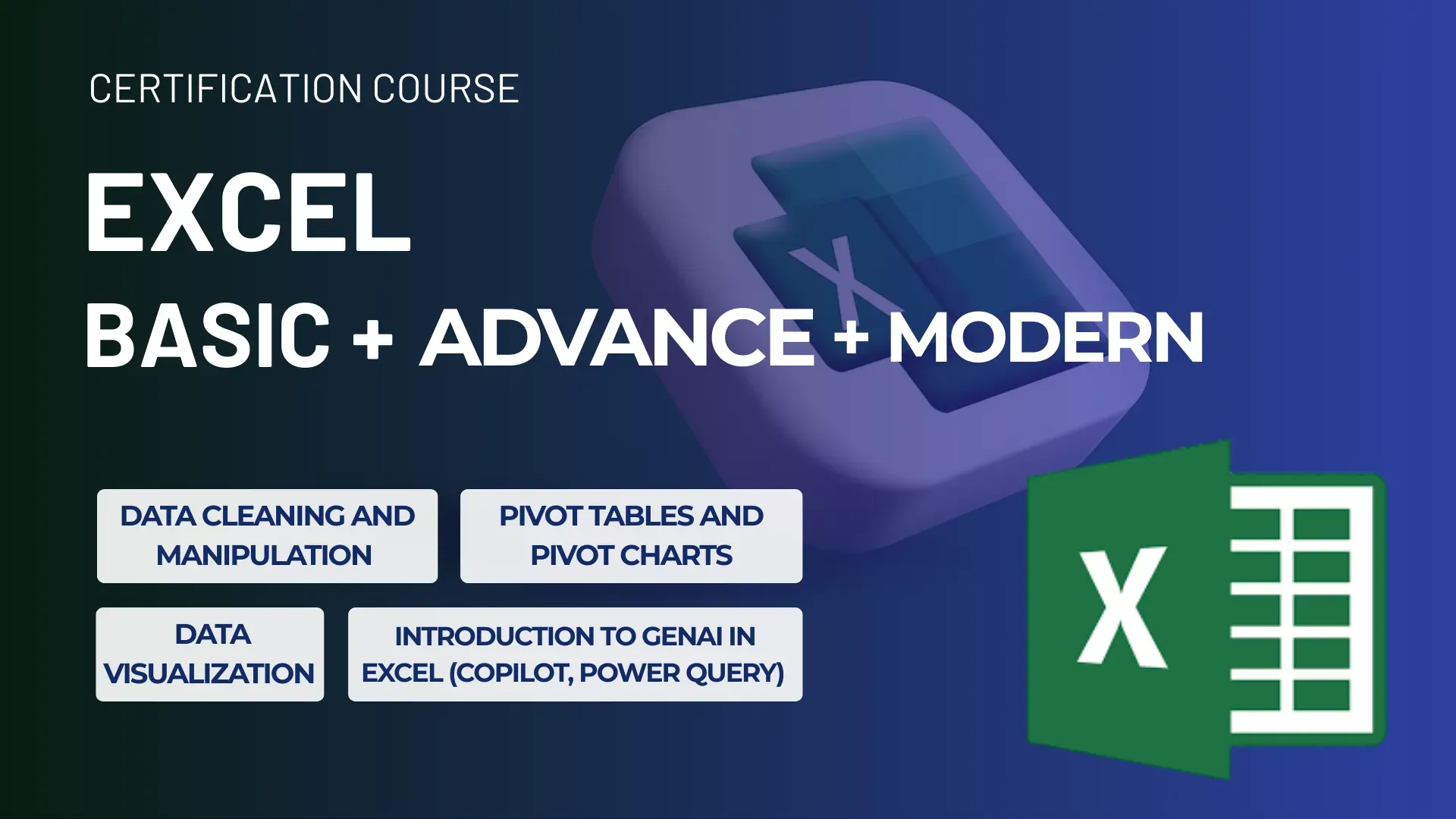
✅ Excel Course (Basic + Advanced + Modern Excel) in Indore at Cypher Analytica
Become Excel-Proficient from Scratch to Reporting & Automation
Course Objective: To equip learners in Indore with comprehensive Excel skills—from basic spreadsheet operations to advanced data analysis, dashboard building, and automation using the latest Excel 365 features and business intelligence tools. At Cypher Analytica Indore, our Excel course is designed to turn beginners into Excel experts using a step-by-step, practical approach with real-world business datasets.
📘 Excel Basics for Beginners
Introduction to Excel workspace and ribbon
Entering, editing, and formatting data
Cell references: relative, absolute, mixed
Number, date, and text formatting
Workbook navigation, sheets, and cell ranges
🧩 Formulas & Functions – Core Concepts
Basic math: SUM, AVERAGE, COUNT, ROUND
Logical functions: IF, AND, OR, IFERROR
Lookup formulas: VLOOKUP, HLOOKUP, XLOOKUP, INDEX & MATCH
Text formulas: LEFT, RIGHT, MID, LEN, CONCAT, TEXTJOIN
Date and time calculations: TODAY, NOW, DATEDIF, WORKDAY
🏗️. Data Management & Validation
Data sorting & filtering techniques
Data cleaning: removing duplicates, fixing formats
Custom lists, dropdown menus using data validation
Named ranges and dynamic range creation
📊 Charts, Graphs & Visualization Create and format column, line, pie, and combo charts Add data labels, axis titles, and trendlines Use sparklines, data bars, and icon sets Insert slicers for interactive filters
Create and format column, line, pie, and combo charts
Add data labels, axis titles, and trendlines
Use sparklines, data bars, and icon sets
Insert slicers for interactive filters
🔄 PivotTables & PivotCharts
Build and customize PivotTables from raw data
Add calculated fields and group data
Use slicers and timelines for interactivity
Analyze trends and summaries visually
⚙️ Modern Excel Functions (Excel 365)
Dynamic arrays: FILTER, SORT, UNIQUE, SEQUENCE
XLOOKUP and XMATCH – modern replacements of old lookup functions
LAMBDA and LET functions for reusable logic
Spill range handling and best practices
📈 Power Query & Data Transformation
Connect Excel to external sources (CSV, SQL, Web)
Clean and reshape data using Power Query Editor
Append, merge, unpivot, and transform datasets
💡 Data Modeling & Power Pivot
Create data relationships across tables
Use KPIs and hierarchies in Power Pivot
Introduction to DAX (Data Analysis Expressions)
🧮 Dashboards & Business Reporting
Design business dashboards with Excel charts & visuals
KPI tracking, performance summaries, monthly reports
Use slicers, timelines, and advanced formatting
Best practices for professional dashboard design
🤖 Excel Automation with Macros & VBA (Intro)
Record simple macros to automate tasks
Use the Developer tab and Visual Basic Editor
Write basic VBA scripts for repetitive operations
🎯 Real-World Projects You Will Work On
Sales Performance Dashboard
HR Leave Tracker & Payroll Sheet
Budgeting & Forecasting Template
Customer Feedback & Analysis Tool
Marketing Campaign ROI Sheet
Who Should Join Cypher Analytica Data Analytics Course?
BBA, BCA, BCom, BA, BSc, MBA, MCA students looking to start a career in Data Analytics.
Working professionals seeking to upgrade skills in data-driven decision-making.
Freshers eager to enter the booming field of Data Analytics.
Data enthusiasts who want to turn data into actionable insights.
Why Choose Cypher Analytica Over Other Institutes?
Industry-Leading Curriculum
20+ years Experience corporate trainer
Flexible Learning Options
Affordable with Flexible Payment Plans
Live Projects & Hands-on Experience
Recorded Videos & Study Material
Industry-Relevant Certifications
Resume Building & Interview preparation
100% Placement Support